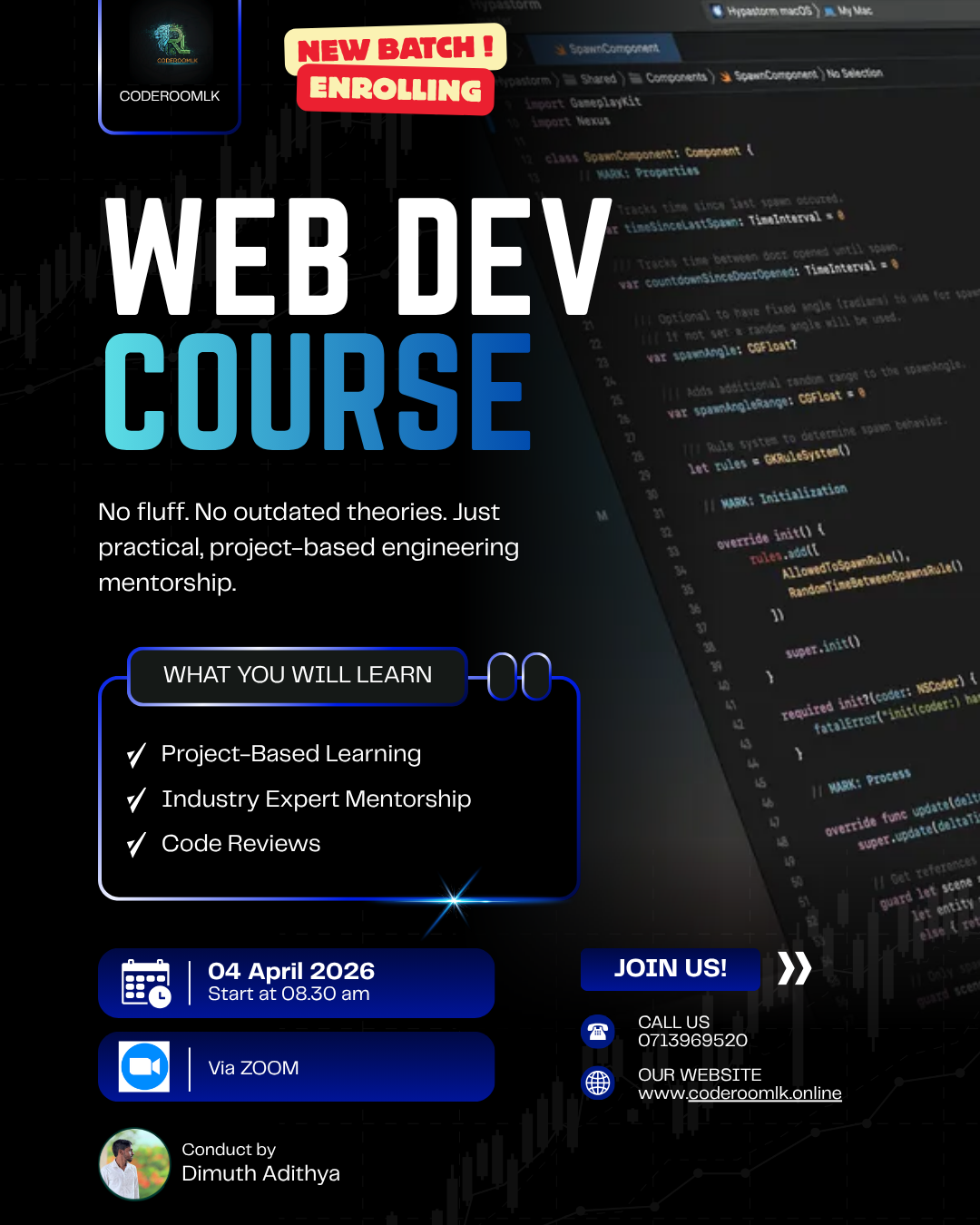
Modern Web Development
Master the Art of Building Scalable, Real-Time Web Applications from Scratch.
Stop learning outdated theories. This course is a 100% project-based deep dive into the modern web ecosystem. You will start with the fundamentals of structure and style and end by deploying a live, database-driven application using Google Firebase.
Reserve Your Seat Today
Complete the short form below — takes under 60 seconds.
Batch 03 — April 2026
Starts April 04 · Sat & Sun · 8 AM
+12 enrolled this week
Monthly Investment
SLIATE students get an exclusive discount
What's Included
- Live Online Sessions
- 1:1 Mentorship Access
- Real-World Projects
- WhatsApp Study Group
- Career Guidance
What You Will Master
An industry-aligned curriculum designed to take you from fundamentals to deploying full-stack web applications seamlessly.
Foundations: Semantic Structure & SEO
- HTML5 Structure
- Modern Web Standards
- Semantic Tags & Layouts
- SEO Fundamentals
Tech Stack Matrix
Styling: Responsive UI & Design Systems
- CSS3 Selectors & Box Model
- Flexbox Layouts
- CSS Grid Architecture
- Responsive UI Principles
Tech Stack Matrix
Modern CSS: Rapid UI Development
- Tailwind CSS Utility Classes
- Customizing Tailwind Config
- Bootstrap 5 Components
- Rapid Prototyping
Tech Stack Matrix
Logic: Programming Foundations
- JavaScript (ES6+) basics
- Functions, Loops, Arrays
- DOM Manipulation in depth
- Event Listeners
Tech Stack Matrix
Backend: Serverless Architecture
- Firebase Initialization
- Cloud Firestore (NoSQL)
- Firebase Authentication (Email/Google)
- CRUD Operations from JS
Tech Stack Matrix
Deployment: CI/CD & Version Control
- Git Workflow & GitHub basics
- Committing and Branching
- Firebase CLI hosting integration
- Live Deployments
Tech Stack Matrix
Trusted by Students
From university students to industry professionals, see who's learning with us.